
How to Repurpose Existing Videos Through Smart Re-Editing
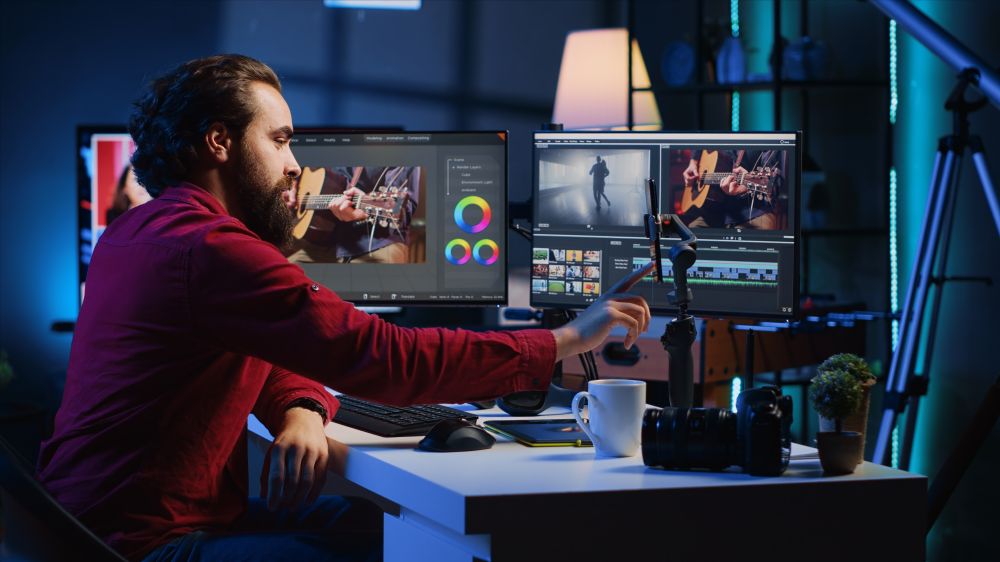
In today’s fast-paced digital world, creating new video content every week can be time-consuming and expensive. But what if you could give your old videos a new life? Repurposing existing footage through re-editing is one of the most efficient ways to stay relevant, reach new audiences, and extend the value of your content.
- Identify What’s Still Relevant
Start by reviewing your existing videos. Look for timeless segments—tutorials, testimonials, behind-the-scenes clips, or key highlights that still carry value. Even older videos can be repurposed if the message remains meaningful to your audience.
- Define a New Goal
Before editing, decide what you want to achieve with the repurposed version.
- Do you want to target a new audience on Instagram or YouTube Shorts?
- Are you planning to create a teaser for a longer video?
- Do you want to adapt the tone for a more professional platform like LinkedIn?
Setting a clear goal helps you structure the new edit strategically.
- Trim and Tailor the Format
Every platform has different requirements—aspect ratios, video length, and content tone.
- Vertical (9:16) works best for Instagram Reels and TikTok.
- Square (1:1) is great for Facebook and LinkedIn.
- Horizontal (16:9) remains ideal for YouTube and websites.
By cropping, trimming, and rearranging scenes, you can easily adapt a long-form video into multiple short, platform-specific versions.
- Add Fresh Elements
Give your re-edited video a modern feel by incorporating new design elements:
- Updated intro/outro with your latest branding
- Fresh music tracks or sound effects
- On-screen text overlays or motion graphics
- Subtitles to make it more accessible and engaging
These small changes can make an older video feel brand-new and more in tune with current trends.
- Combine Old Clips Into New Stories
Mix and match scenes from different videos to create a completely new story. For example:
- Merge highlights from past client projects to make a new portfolio reel
- Combine behind-the-scenes shots and event clips into a brand storytelling video
- Create educational shorts by cutting key insights from longer interviews
- Optimize for SEO and Social Media
Rename your video files and update captions, descriptions, and hashtags with new keywords. Re-uploading a re-edited video with a fresh title and thumbnail can help it rank higher and attract a new wave of viewers.
- Work with Professionals
If you want your repurposed content to maintain top quality, consider working with a professional video editing team like Visionary Cuts. From concept to execution, experts can handle color grading, motion graphics, transitions, and storytelling—ensuring your old videos get a powerful new look without losing authenticity.
Re-editing isn’t just about recycling content—it’s about revitalizing your message. With a smart re-editing strategy, you can stretch the value of your video library, maintain a consistent posting schedule, and reach more audiences with less effort.
If you’re ready to transform your old videos into fresh, impactful content—Visionary Cuts can help you bring your vision to life through professional re-editing and storytelling.
-
 Editing That Grabs Attention in 3 Seconds
 -
 YouTube Shorts Editing Tips That Increase Reach
 -
 Best Video Editing for YouTube Growth (Editing That Gets Views)
 -
 Budgeting Video Projects: How Much Does Video Editing Cost?
 -
 Using Motion Graphics & Animation to Enhance Videos
 -
 How Colour Shapes Emotion: The Art of Consistent Grading at Visionary Cuts
 -
 Why Hire a Video Editor Instead of Using a Video Editing Tool?
