
YouTube Shorts Editing Tips That Increase Reach
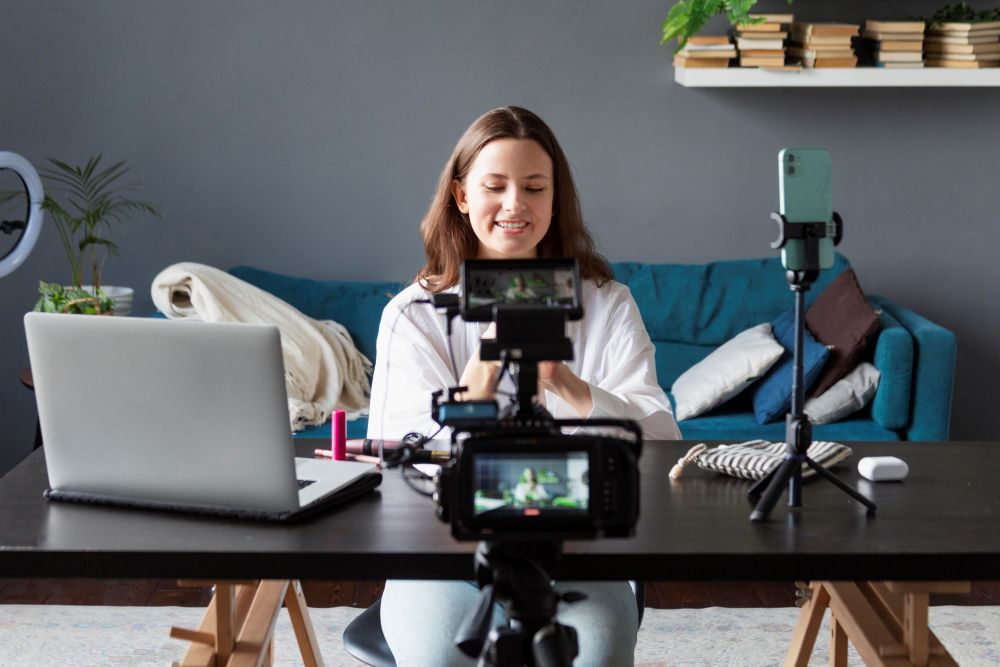
YouTube Shorts have become one of the fastest ways to grow on YouTube—but only if your editing keeps viewers hooked. With millions of Shorts uploaded daily, editing is no longer optional; it’s the growth trigger. At Visionary Cuts, we’ve seen firsthand how the right editing techniques can turn average clips into viral content.
Here are proven YouTube Shorts editing tips that can significantly increase your reach and engagement.
- Hook Viewers in the First 2 Seconds
The first two seconds decide whether your Short gets watched or swiped away.
Editing tip:
- Start with the most engaging moment
- Use bold text or motion graphics instantly
- Avoid slow intros or logos at the start
A strong hook tells the algorithm—and the viewer—that your content is worth watching.
- Use Fast Cuts to Maintain Attention
Shorts thrive on high-retention editing.
What works best:
- Jump cuts every 1–2 seconds
- Remove all pauses, fillers, and silences
- Switch camera angles or zoom slightly
Fast pacing keeps viewers engaged till the end, improving watch time—one of YouTube’s top ranking factors.
- Add On-Screen Text for Silent Viewers
A large percentage of Shorts are watched without sound.
Editing must include:
- Clear, bold captions
- Keyword-focused text highlights
- Easy-to-read fonts with contrast
At Visionary Cuts, we design captions that enhance storytelling, not distract from it.
- Edit in Vertical Format (9:16) Properly
Simply cropping a horizontal video doesn’t work.
Correct Shorts editing includes:
- Subject centered in frame
- Face and expressions clearly visible
- Safe margins for text (no cutoff)
Well-framed vertical edits feel natural and professional, increasing completion rates.
- Use Pattern Interrupts to Avoid Drop-Offs
To stop viewers from scrolling away, your edit needs visual surprises.
Pattern interrupts can be:
- Emojis or animated elements
- Zoom-ins or quick transitions
- Text changes or sound effects
These small changes reset attention and boost retention.
- Highlight One Clear Message Per Short
Trying to say too much in one Short kills reach.
Editing rule:
- One idea = one Short
- Cut out extra explanations
- End with a strong takeaway or CTA
Focused content performs better with both viewers and the algorithm.
- Optimize Timing: 7–30 Seconds Is the Sweet Spot
Shorts that loop naturally often get more views.
Editing strategy:
- End on a cliffhanger or seamless loop
- Avoid hard endings
- Keep duration tight and impactful
A clean loop increases repeat views, signaling higher value to YouTube.
- Add Subtle Sound Effects & Trending Audio
While visuals matter, audio still boosts engagement.
Use audio wisely:
- Light whooshes for transitions
- Soft background music
- Trending sounds (when relevant)
Visionary Cuts ensures audio enhances emotion without overpowering the content.
- Brand Lightly, Not Loudly
Heavy branding at the start reduces retention.
Better approach:
- Add logo or watermark subtly
- Use brand colors in text
- Focus on value first, brand second
Trust builds reach—and reach builds recognition.
- Test, Analyze, and Improve
No two audiences behave the same.
Track:
- Audience retention graphs
- Replays and completion rate
- Clicks to long-form videos
Editing based on data is what separates viral creators from inconsistent ones.
YouTube Shorts success isn’t luck—it’s strategy + smart editing. The right cuts, captions, pacing, and structure can dramatically increase your reach, even with a small channel.
At Visionary Cuts, we specialize in editing Shorts that are designed for retention, reach, and results—not just views.
-
 Editing That Grabs Attention in 3 Seconds
 -
 Best Video Editing for YouTube Growth (Editing That Gets Views)
 -
 Budgeting Video Projects: How Much Does Video Editing Cost?
 -
 Using Motion Graphics & Animation to Enhance Videos
 -
 How Colour Shapes Emotion: The Art of Consistent Grading at Visionary Cuts
 -
 How to Repurpose Existing Videos Through Smart Re-Editing
 -
 Why Hire a Video Editor Instead of Using a Video Editing Tool?
